Watts and Warez: The Real Price of Keeping 40 Terabytes Plugged In
There's a moment every collector eventually faces. You're admiring your array — 40 terabytes of films, shows, music, and Linux ISOs you'll absolutely get to someday — and then the electric bill shows up, and you start doing math you didn't want to do.
Because here's the thing nobody mentions in the seedbox forums: a digital pantry isn't free. It hums in the corner, day and night, quietly adding dollars to a utility bill you were already grumbling about. Let's break down what that library really costs to keep warm.
The Idle Drive Is a Hungry Beast
Start with the drives themselves. A typical 3.5-inch spinning HDD idles at around 5 to 8 watts. Spin it up during a read or write and you might touch 10 or more. Sounds trivial, right? It's a nightlight's worth of power.
Now multiply by eight, because your NAS is full.
Eight drives idling at 6 watts each is roughly 48 watts before you've counted a single thing else. Run that around the clock and you're at about 1.15 kWh per day — call it 420 kWh a year from the disks alone.
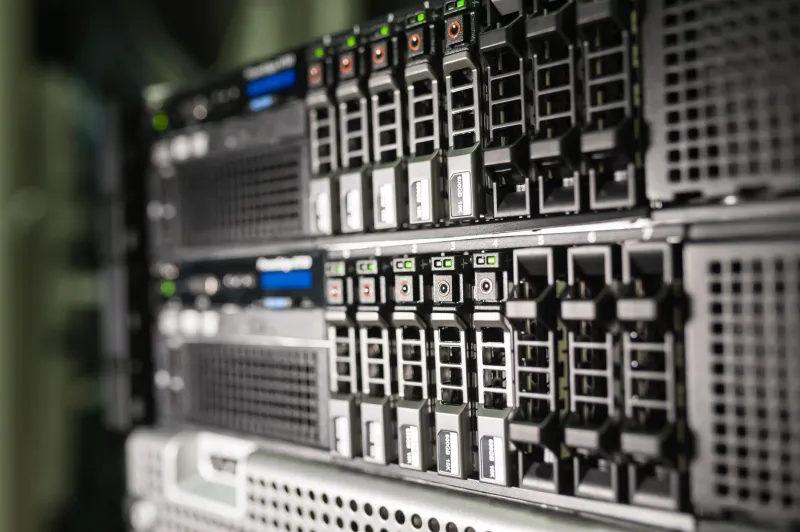
Then comes the rest of the machine. A NAS motherboard, RAM, and a low-power CPU typically draw another 15 to 30 watts. Add a switch, maybe a small UPS (which sips power just to stay ready), and a router that never sleeps. A realistic always-on home media rig lands somewhere between 70 and 110 watts.
Running the Numbers on the US Grid
Electricity prices vary wildly depending on where you live. According to recent EIA data, the national average residential rate hovers around 17 cents per kWh, but that's misleading if you're in North Dakota (lucky you, roughly 10 cents) or California (our condolences, often 30 cents or more).
Let's take a 90-watt always-on setup — pretty typical for a populated 8-bay NAS plus networking gear.
- At 10¢/kWh (Idaho, the Dakotas): ~79¢ a day, about $79 a year
- At 17¢/kWh (national average): ~$1.34 a day, about $490 a year
- At 30¢/kWh (California, parts of New England): ~$2.37 a day, pushing $866 a year
Read that last line again. A terabyte hoard in San Diego can cost more per year in electricity than a decent 12TB hard drive. Your archive has a subscription fee — it's just billed by the utility instead of a streaming service.
Trimming the Fat Without Killing the Swarm
Before you panic-unplug everything, know that hoarders have options. Plenty of them.
1. Aggressive drive spindown. If your files aren't being hammered 24/7, configure your NAS to spin down idle disks. A parked 3.5-inch drive drops to under a watt. The catch: frequent spin-up cycles add wear, and some drives ignore spindown commands out of spite. For archive drives you touch weekly instead of hourly, though, it's a no-brainer. Savings can hit 40-60% on the disk portion of your draw.
2. Choose efficient enclosures. Not all NAS boxes are equal. Older repurposed desktops can idle at 60+ watts on their own; modern low-power boards built around efficient CPUs (think Intel N-series or older J-series chips) can run an entire array at 30 watts total. If you built your rig from a gutted gaming PC circa 2014, you're paying a comfort tax every single day.
3. Tier to cold storage. Here's the big one. Do you really need all 40TB spinning right now? Probably not. Keep your current obsessions on the hot array and push the archive to cold storage — powered-down external drives, an offline shelf of disks, or even Blu-ray backups for the truly permanent stuff. Cold storage costs zero watts. A rotation of offline drives can cut your continuous draw by more than half.
4. Check your utility's rate plan. Some US utilities offer time-of-use pricing where overnight power is dramatically cheaper. A scheduled sync or download window during off-peak hours won't shrink total consumption, but it can shrink the bill.
Can Hoarding Ever Be Green?
Honest answer: not perfectly. Every watt you burn has a carbon footprint attached, and that footprint depends heavily on your regional grid. If you're on hydro-heavy Pacific Northwest power, your array's emissions are modest. If you're pulling from a coal-leaning grid in the Midwest, less so.
But there's a counterargument worth making. A personal archive of files you actually own is, in a weird way, an efficiency play at the cultural level. Every copy stored locally is a copy that doesn't require a hyperscale data center to stream to you — and hyperscale data centers are far from carbon-neutral themselves. One always-on home NAS at 90 watts versus the distributed infrastructure of serving that same catalog on demand from the cloud? The math is less lopsided than you'd think, especially once you tier most of your library to cold storage.
The realistic goal isn't zero impact. It's intentionality. Spin down what you're not using. Power off what you're not touching. Build efficient, not just big. And maybe — this is the hard one — curate. A 40TB library where you watch 2% of it is a museum with the lights on all night.
The hoard is worth keeping. But like anything worth keeping, it deserves an honest accounting of what it costs — in dollars, in watts, and in the quiet hum you've learned to sleep through.